
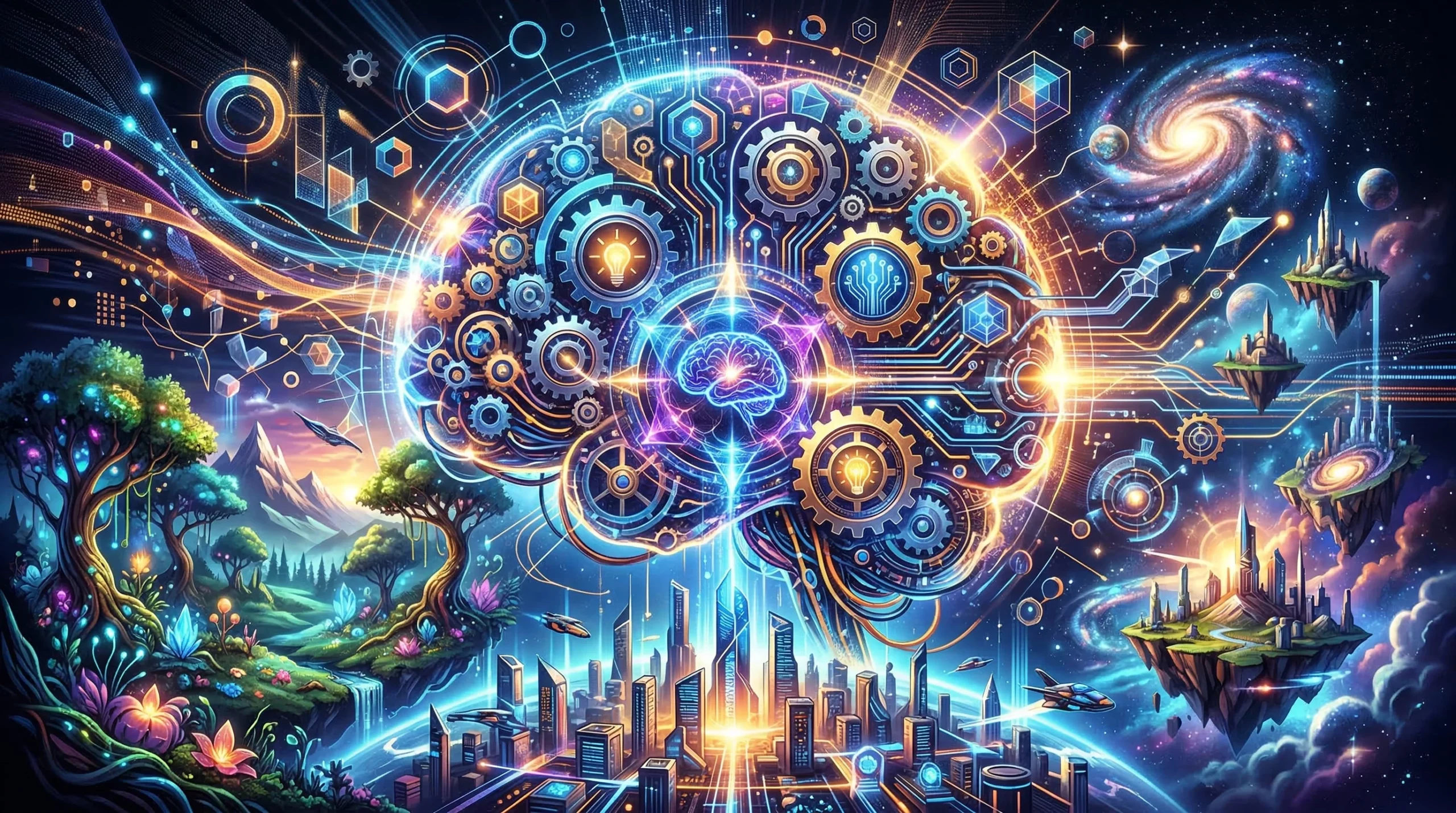
Cracking open your AI for worldbuilding isn’t just about typing prompts and hoping for a cool backstory. I’ve found it feels more like recruiting a coauthor or a brainstorm buddy who brings fresh ideas, if you know how to ask, experiment, and let the collaboration flow. Here’s my practical guide for using AI as your worldbuilding sidekick and creative springboard.
Worldbuilding can get elaborate really fast. Before I started involving AI, I would get tangled in timelines, character origins, and naming cultures for places I hadn’t even mapped yet. Using AI, I’ve untangled ideas, plugged plot holes, and, surprisingly, found inspiration in suggestions I never expected. Here’s how I recommend opening up your process with an AI partner.
1. Start with a Vibe, Not Just a List of Facts
When you first fire up your AI, skip the bulletpointed data dump. Instead, outline the mood or atmosphere you want for your world. For example, when I started building my city of Verdant Spires, I explained to my AI assistant not just its technology level and ruling council, but also the layered mix of magic and ecopunk vibes I was going for. The AI took that baseline and gave me setting details that matched my style.
Prompting Tips for Setting the Tone
- Describe the world’s emotional feel: Is it whimsical, gritty, eerie, or hopeful?
- Mention media inspirations (like movies, games, or books) to help the AI “tune into” your vision.
- Share themes or conflicts you want to explore, even before you worry about names or systems.
Doing this up front tends to make everything the AI suggests fit your world better, from city names down to street food stalls.
2. Turn AI into an Idea Generator (and Filter)
I often give my AI openended questions like, “What sort of festivals might this culture celebrate?” or “Give me three possible myths this forestdwelling tribe believes in.” I don’t settle for the first answers; the fun comes with followup questions and tweaks.
Practical Ways to Use AI Brainstorming
- Ask for multiple options: Instead of “What’s the capital city called?” try “Suggest five names with meanings based on river themes.”
- Request lists and summaries: Useful when juggling lots of locations, factions, or magical rules.
- Narrow down details: If something feels generic, ask the AI to remix the answer with a twist or more cultural flavor.
Checking out lots of options is super handy for sidestepping writer’s block, and you’ll spot ideas you wouldn’t have thought up on your own. Don’t be afraid to dig into followups or change your approach if the first pass doesn’t fit your style. AI can help you add layers and depth to every aspect from institutions to the tiniest legends passed down among common folk.
Turn Your Idea into a Story
3. Build Out Characters and Cultures Side by Side
I rarely build a map or timeline without thinking about who lives in this world every day. I use AI most for fleshing out the little things: traditions, slang, food, fashion, and streetlevel routines that make the setting feel livedin. I share character goals or quirks with the AI, then ask how the world’s rules impact them.
Ways to Connect Character With Setting
- Let AI suggest how a hero’s background affects their worldview (e.g., “How would a merchant’s child from this city think about magic taxes?”).
- Ask for personality quirks or life goals based on culture or era.
- Get help inventing traditions and daily rituals linked to major world events or religion.
This approach has helped me create much richer, less predictable worlds. The AI often surprises me with angles I hadn’t considered, like local superstitions tied to real historic events or everyday customs shaped by geography. These additions help cultures and characters feel truly grounded.
4. Use AI Visual Tools for Instant Inspiration
Describing an ancient floating library or a festival of glowing lanternbugs is fun, but seeing it come to life with art is even more exciting. I’ve used AI image generators to create everything from character outfits to city skylines based on my written descriptions. This makes it easier to catch inconsistencies or spot opportunities for extra flavor.
Quick Tips for Generating Images
- Be specific in your descriptions: Include mood, era, colors, and what stands out visually.
- Iterate when you don’t get the look you want. Tweaking words like “ruined,” “lush,” or “busy market” often gets closer to your vision.
- Pair visuals with story: Use generated images as writing prompts for scenes or inworld artifacts (like coin designs or coatofarms).
These visuals are super useful if you want to create player handouts for tabletop games, book cover ideas, or mood boards that help keep your world’s style consistent. You could even use AI to imagine architectural sketches, trade symbols, or banners to fill out your world with nextlevel cool touches.
5. Polish and Iterate; Worlds Grow Over Time
My first pass using AI for maps, names, or lore never sticks around untouched. I set aside time to revisit old prompts and results, tightening up the ideas that work and swapping out the bits that don’t feel right after sleeping on it. Each draft becomes a little sharper and more personal, as details click into place or get swapped out for something truly eye-catching.
Methods for Refining With AI
- Revise old answers: Copy AIgenerated blurbs and ask for versions with more humor, tension, or specific details.
- Crosscheck for consistency: Have the AI summarize your world’s rules or history to spot contradictions or unused subplots.
- Combine small prompts: Sometimes I ask for short descriptions, then expand or connect them later into longer lore sections.
Tinkering in this way keeps my worldbuilding feeling fresh and lets new connections bubble up naturally. Over time, you’ll spot threads that turn into plot hooks or recurring motifs.
6. Let AI Help You Stay Motivated and Organized
AI is great at tracking lore, making checklists for major plotlines, or reminding me which city hasn’t shown up in a while. I’ll even have it draft session summaries for my campaigns or jot down random ideas for later. When I’m stuck in a rut, it will toss out encouragement and remind me how much I’ve already built.
Ways to Use AI for Organization
- Summarize old sessions or chapters.
- Create quickreference lists of places, items, or people in your world.
- Brainstorm plot hooks for locations or characters that need more attention.
- Create timelines or indexes that let you quickly check continuity.
This saves me time and helps keep everything neat without flipping through messy notebooks. Having a searchable, AI-backed system smoothes the way for tracking details and helps keep your imagination running without getting bogged down.
7. Share Your Worldbuilding Adventure
I get the most out of AI when I share my process with friends, fellow writers, or fandoms. Feedback on AIgenerated content, both wins and “hmm, maybe nots,” turns into new ideas and a deeper understanding of what works and what’s missing.
Why Sharing Matters
- Others can spot plot holes or offer creative pushes you might overlook.
- Sharing AI’s wildest outputs often sparks fun debates and more group creativity.
- It encourages a mindset where worldbuilding feels playful rather than highpressure.
- You’ll stumble upon unexpected trends and helpful perspectives just by comparing your approach with others.
Whether you’re posting maps on forums, trading backstories for game NPCs, or just chatting about AI hiccups, opening up your process brings in more inspiration and keeps motivation high. You’ll also get to tap into collective excitement that sparks new ideas.
Quick Troubleshooting & FAQ
What if the AI suggestions feel off?
Tweak your prompts or give more context about your world’s logic or limits. Adding a few lines about culture, values, or past conflicts helps a lot. It may also help to dig into why the AI made certain choices and fine-tune from there.
How do I avoid generic results?
- Include unique keywords or odd inspirations in your prompts.
- Reference rare, realworld cultures or traditions for comparison.
- Ask the AI to break tropes or flip stereotypes common in your genre.
- Dig into obscure historical, mythic, or scientific sources for new prompts.
Can AI replace my creativity?
AI can expand your ideas but doesn’t take over the imagination part; it’s best used as a creative partner, not as the only author in the room. Use it to give your process a boost, but don’t let it run the whole show.
Action Steps for Worldbuilders Using AI
- Start with your world’s vibe and share your vision with your AI assistant.
- Tackle one worldbuilding topic and ask for multiple options.
- Mix writing and visuals—use AIgenerated maps or art as prompts.
- Keep refining your prompts and ideas as your world grows and changes.
- Share your progress with others and invite feedback to help your world reach nextlevel cool status.
AI can be a super useful creative companion if you’re open to surprises and ready to build together. If you’ve tried it for your own worldbuilding, I’d love to hear what worked or totally surprised you!
Our website contains affiliate links. This means if you click and make a purchase, we may receive a small commission. Don’t worry, there is no extra cost to you. It’s a simple way you can support our mission to bring you quality content.
**Disclaimer**: The views expressed in this article are based on personal experience and creativity. Always consider multiple perspectives when designing fantasy worlds.
About the Author
Seraph is an aspiring worldbuilder and creative enthusiast who explores the realms of imagination through collaboration with AI. By sharing ideas and visions, they bring vibrant stories and unique fantasy realms to life. Passionate about crafting immersive worlds, Seraph invites readers to join the adventure of discovery and creativity.